IT Launchpad

From absolute beginner to confident IT professional with structured, hands-on learning paths and real projects.
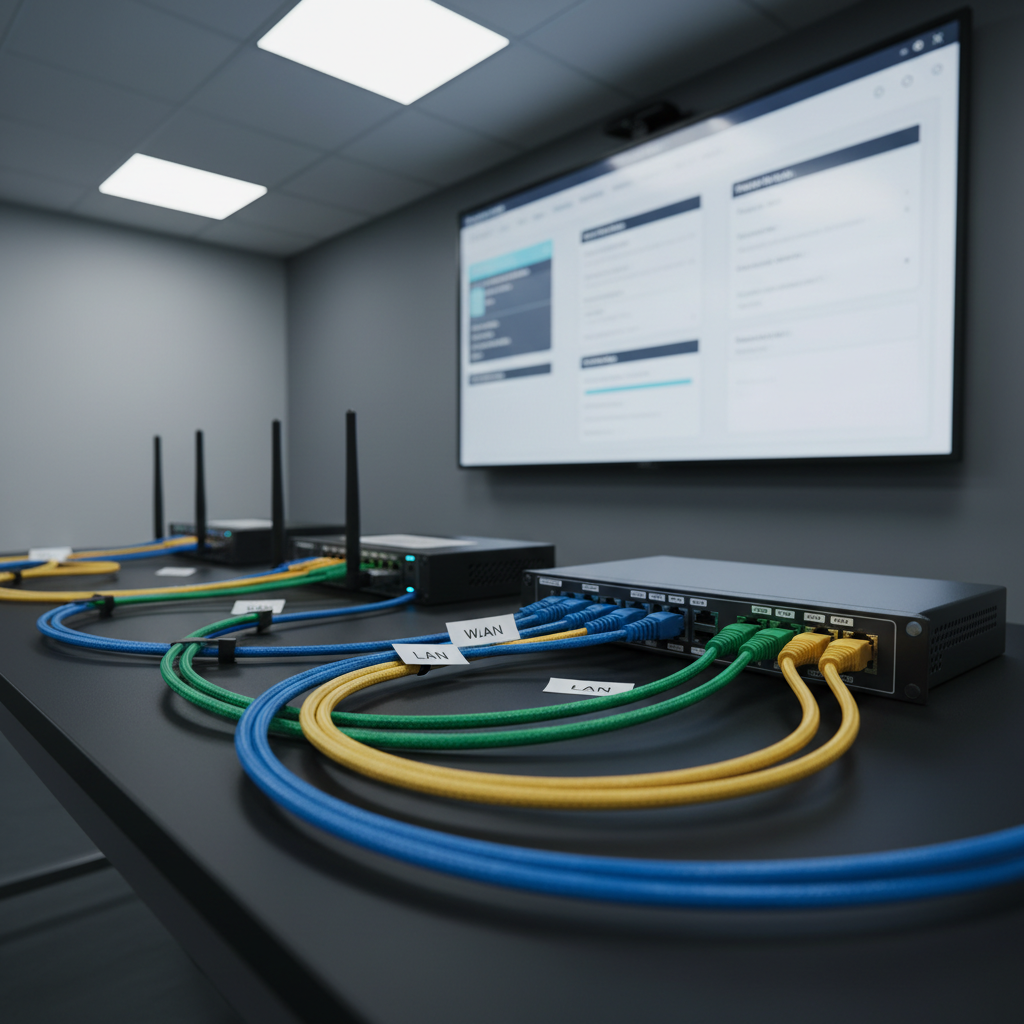
A modern, compact networking lab bench featuring a neatly wired training router, a small switch, and labeled Ethernet cables arranged in precise, color-coded curves across a matte black surface. Each port label is crisp and legible, and small adhesive tags mark “WAN,” “LAN,” and “VLAN” segments. Behind the hardware, a large, wall-mounted display shows a simplified configuration interface with logical, step-by-step settings highlighted in a soft blue accent. Cool white overhead LED lighting casts clean, controlled shadows, emphasizing the textures of plastic ports and braided cable sheaths without harsh glare. Photographic realism from a low, three-quarter angle creates depth and professionalism, projecting a hands-on, lab-focused IT skills training environment that feels organized and job-oriented.

Tutorials

Stay Ahead With Fresh IT Learning Updates

Start Your Next IT Learning Journey

Explore curated skill paths for beginners, upskillers, and career switchers, each combining guided lessons, practice labs, and recommended reading to accelerate progress.

An open laptop on a smooth oak desk displays a detailed IT course dashboard, with progress bars, module tiles, and certification badges glowing in subtle accent colors of blue and teal. Beside it lies a neatly stacked set of reference textbooks with matte covers labeled “Networking Fundamentals,” “Cloud Basics,” and “Cybersecurity Essentials,” their spines aligned perfectly. A large wall-mounted whiteboard stands in the background, filled with neatly drawn network topologies and flowcharts, softly out of focus. Late afternoon natural light streams in from the left, casting warm highlights along the laptop’s brushed metal surface and creating gentle, elongated shadows. Shot from a slightly elevated angle in photographic realism, the mood is structured, methodical, and encouraging, emphasizing step-by-step IT skill-building.
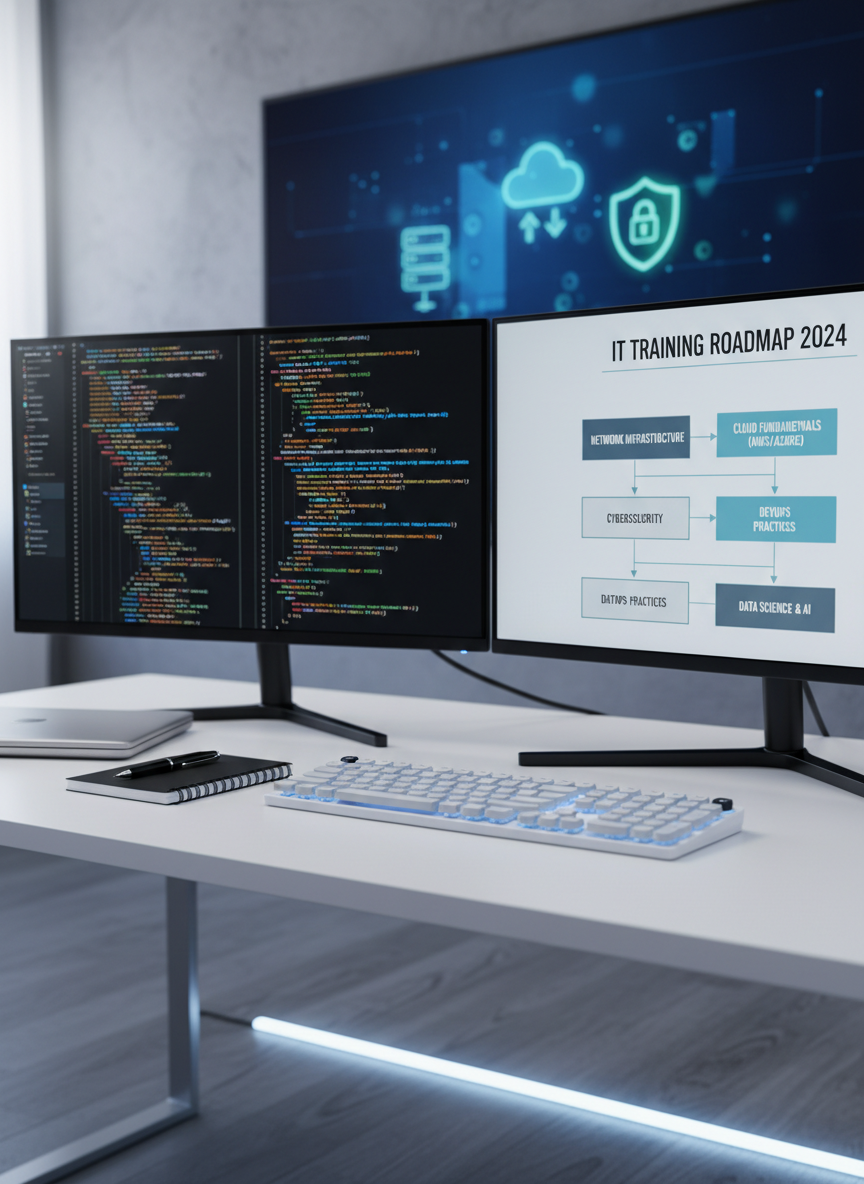
A sleek dual-monitor workstation displaying colorful lines of code on one screen and a structured IT training roadmap on the other, both rendered with crisp clarity. The setup rests on a clean, matte white desk with a minimalist mechanical keyboard, a closed silver laptop, and a neatly organized notepad with a fine-tip pen. Behind the screens, a subtle blurred background reveals floating icons of networking, cloud computing, and cybersecurity diagrams on a large wall-mounted digital panel. Soft, diffused daylight from an unseen window wraps the scene, complemented by cool white LED strip lighting under the desk, creating gentle reflections on the monitor bezels. Photographic realism at eye level, with a shallow depth of field, conveys a professional, focused, and aspirational learning environment.
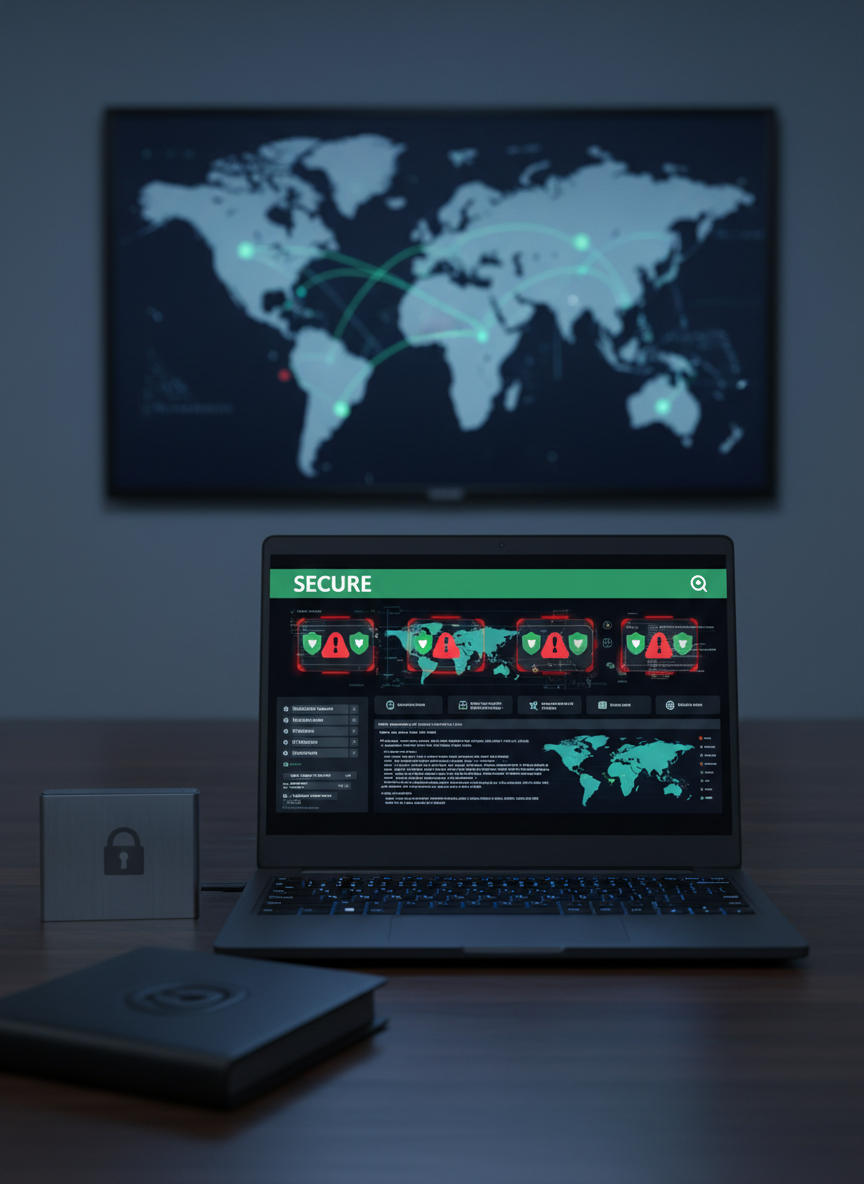
A detailed cybersecurity training scene with a slim, matte-black laptop open on a dark wood desk, its screen showing a stylized but realistic security dashboard with threat alerts, shield icons, and a green “Secure” status banner. Adjacent to the laptop sits a brushed metal external drive and a locked black password journal with an embossed padlock symbol on the cover. In the softly blurred background, a large wall display presents a world map overlaid with faint, glowing network lines and nodes. The room is lit by cool-toned, low-key lighting with a subtle blue hue, highlighting the laptop keyboard and casting gentle reflections on the desk surface. Photographic realism with a centered, eye-level composition creates a serious yet empowering atmosphere, ideal for advanced, job-ready IT security training.